Search for:
Update To Website And Booking Calendar

Confession time I’ve been afraid of touching the website for a while despite not being happy with it. Even techies can feel uneasy tinkering with settings from time to time. Truth is I initially rushed through the website, realised I wasn’t happy with it then was scared to do anything drastic with it in-case I made it worse. What didn’t help was I’ve been focussing too much on trying to setup a test platform or staging area to try out new ideas and get more comfortable with WordPress.

So what changed? Well truth be told this isn’t the only website I’ve been trying to update for a while, if you follow me on LinkedIn you’ll also know I’m one of the coaches of the Bude U9s rugby team. I’ve also been trying to wrestle with their website for a while as it’s not been updated for a few years (more than one page mentions the 2020/21 season as being the current one). After getting familiar with how that works and trying out a few things I’ve managed to get feel better with what I can do with it. Is it ready? Not yet unfortunately however I will post a link when it is. In the meantime it’s given me the extra encouragement I need to sort my own site out and although some work still needs to be done this is still a massive improvement on what I started off with. Hopefully the new layout will also make it easier for you to find what you need that bit quicker.

Something I’m also making sure of is including the link to my calendar so it’s easier to check availability. Previously I’d only had the link to this on the bottom of my emails so hopefully it’ll make it easier to get hold of me if you want to discuss what your options are for IT support or upgrades.

Why You Shouldn’t Ignore the Update Button In Your Browser


A couple of weeks ago I was on a monthly update webinar with Action1 and they pointed out something which even surprised themselves when they read it out loud. Over the past month there were 1200-1300 vulnerabilities detected for the Chrome and Edge (chromium based) web browsers alone. It’s also worth pointing out earlier in the year there were news reports of approx. 250 vulnerabilities detected for Firefox in a single week.

The web browser is the front door to the online world for a lot of people and so needs to be treated like the first line of defence to reduce your chances of being hacked.

The AI driven world we’re steering towards is going to be a double edged sword and as far as cyber security is concerned it’ll create at least as many problems as it’ll solve. A lot of the advice about preventing problems by having the basics covered however will continue to remain the same.

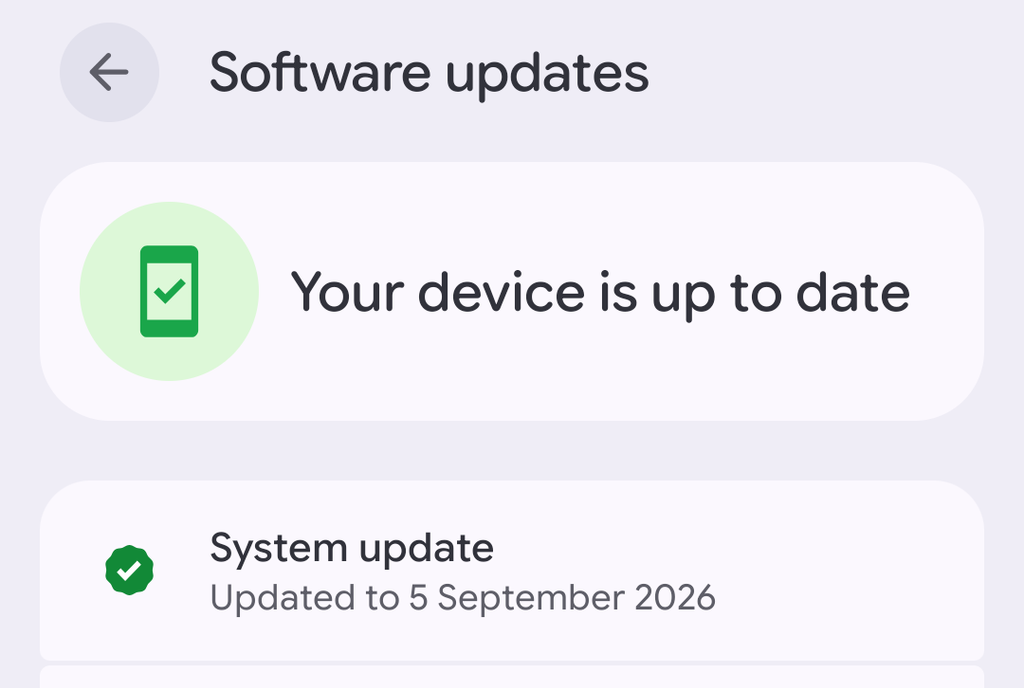
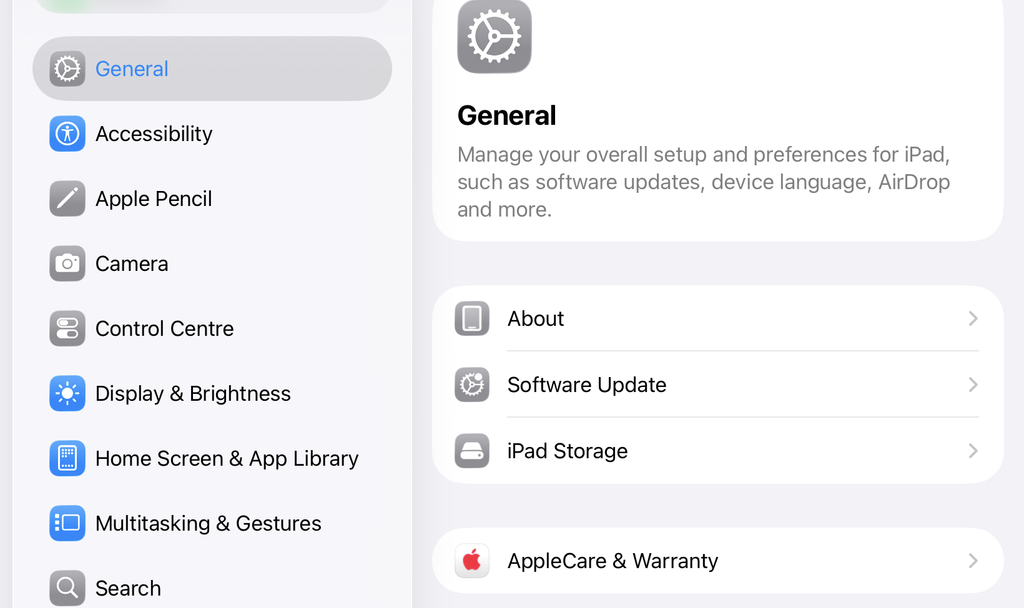
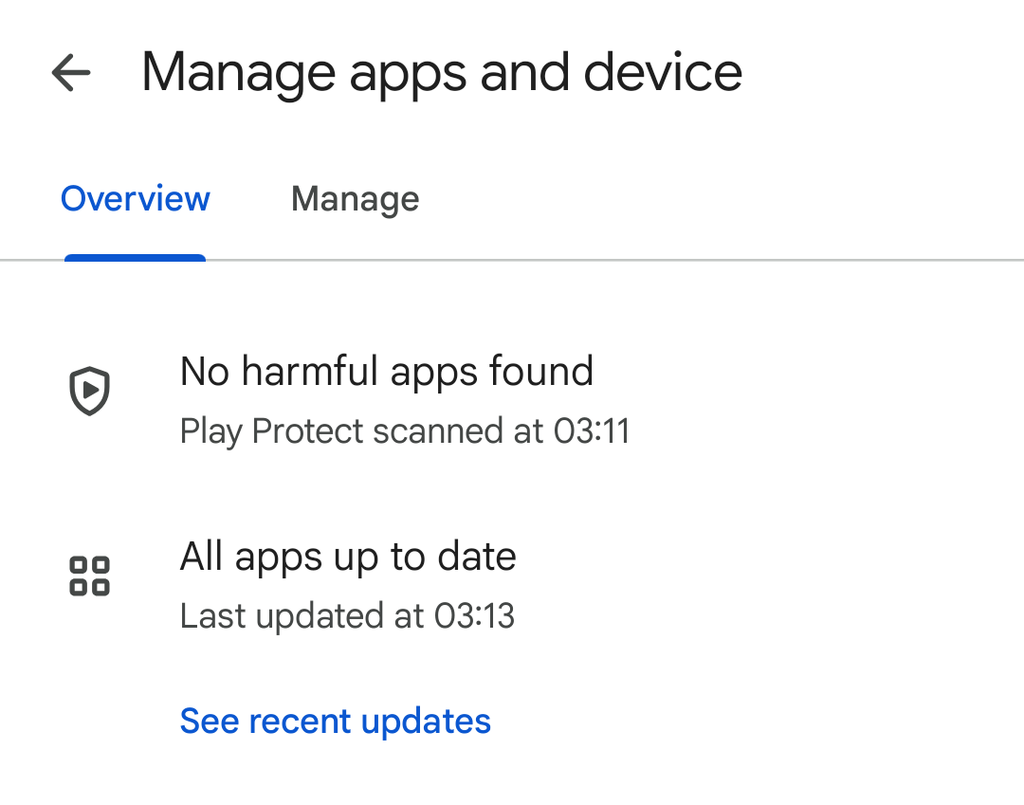
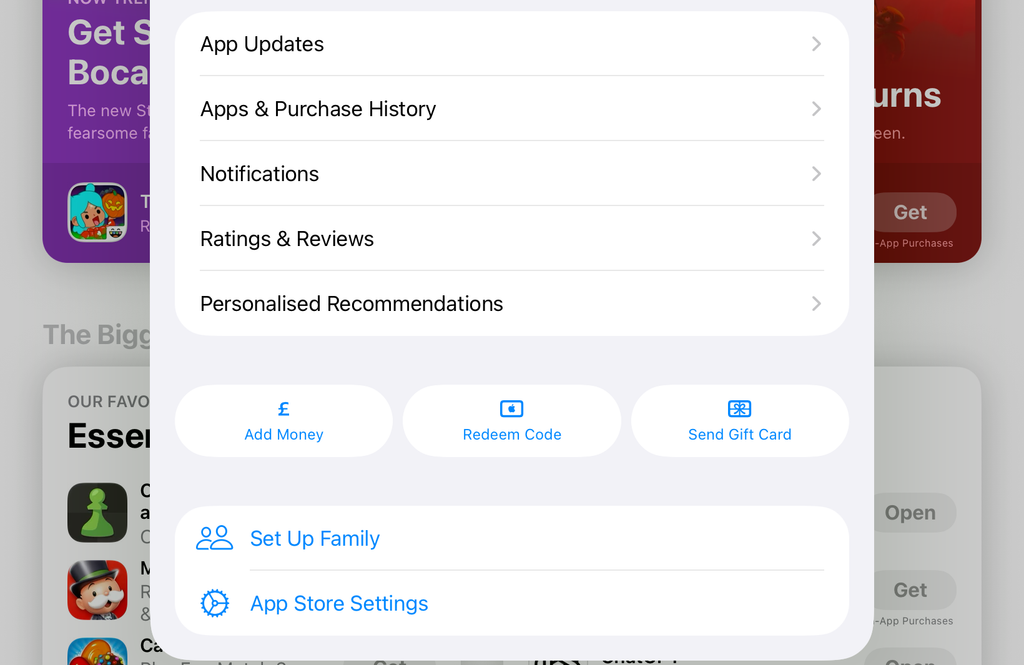
In this case if you see the Update button at the top of your browser – regardless of what OS platform you’re running on – please take a minute to click Update and let it do its thing.

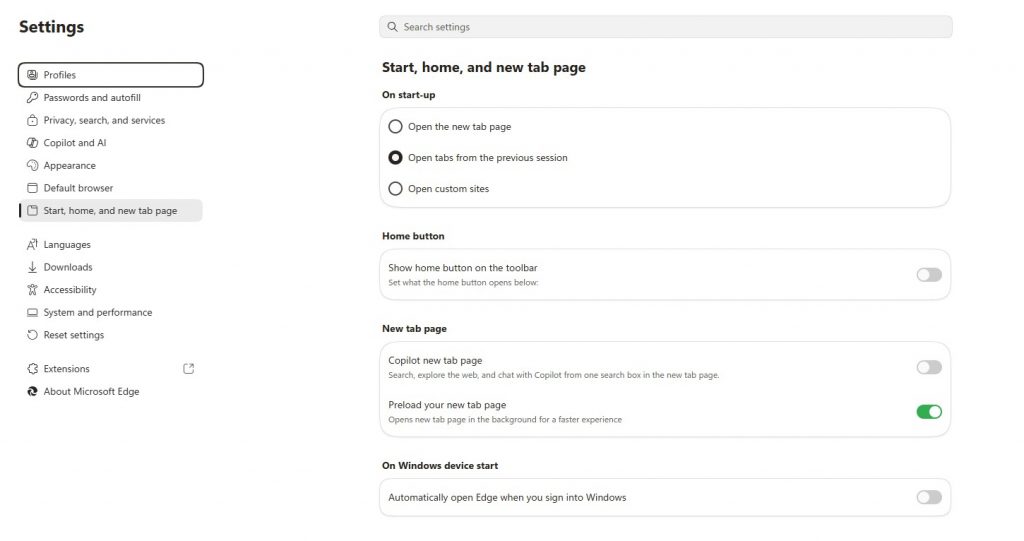
If you’re worried about losing the work you have open check your Settings in the browser so the startup option is set to either:

> Open tabs from the previous session
> Continue where you left off

QR Codes Are Handy IF They Are Genuine

As the weather’s getting warmer and the days are getting longer you’ll likely be taking more days out especially while the kids are out of school. Something to be wary of while out and about is being encouraged to use QR codes to go to payment websites or connect to public Wi-Fi.

QR codes are easy to create, print and stick on signs (often over legitimate codes to avoid detection).  Scammers especially like using car parks to trick unsuspecting drivers into using fake QR codes to take them to a temporary website, get their payment details and use it later to avoid suspicion (similar to how phishing e-mails work).  To add insult to injury some drivers have even received fines for not paying for their parking space. 

Try using official parking apps if you’re unable to pay in cash or use contactless on a machine. Take a few seconds to double check what you’re looking at and make sure that there’s nothing suspicious on screen. If you have scanned a QR code and are doubtful it’s genuine please try to report it straight away by another method.

#staysafe and enjoy your day out. 

Are You Ready For A Break In The Cloud?

One of the takeaways from 2025 is the realisation that when certain online services are disrupted then businesses will be affected until those services are running as normal again (think what happened with AWS and Cloudflare briefly over the autumn).  

A news story from the past week is a real life example of something a lot of us in the tech world has previously feared which – if it was successful – can make that disruption more impactful for longer than just a few hours depending on where it happens (https://www.bbc.co.uk/news/articles/c62040np372o) . 

Online services are great when they are working however have you got a contingency plan in place if they become unavailable?  Backup Continuity Plans (or BCP for short) and Disaster Recovery (DR) planning can help with this if reviewed regularly. It won’t necessarily guarantee you’ll be back in a BAU (Business As Usual) state straight away however it’ll give you guidance on what steps are needed to keep vital services running while you are waiting for “normal service” to resume.   

These exercises aren’t just recommended for online technology, they are also good for other dependencies you might have for the business to run. For example: 

  • Car/van troubles,  
  • Utility outages such as electricity or water availability 

Running through these exercises can be done in various forms such as an online scenario or in-person table-top exercise for an hour every few months. Not only will this help with knowing what to do in case of a failure that’s out of your hands it can also help with insurance, compliance or tender requirements.