Cybersecurity Awareness Month – Updating Mobiles and Tablets
Mobiles and tablets can be made to last longer thanks to hardware protection such as cases and screen protectors, are you doing the same with software updates?
Why do updates matter?
Updating mobile software on the store and in phone settings is something that can be easily overlooked however is as important as ever due to how often we use them and the type of information we’re now using them for.
A device that isn’t kept up to date can stop businesses from getting certified with Cyber Essentials. It can also be the reason why cyber insurance claims are rejected if someone was breached or hacked.
How to update the operating system/system software
How you keep mobile and tablet devices up to date slightly vary from device to device if doing it manually.
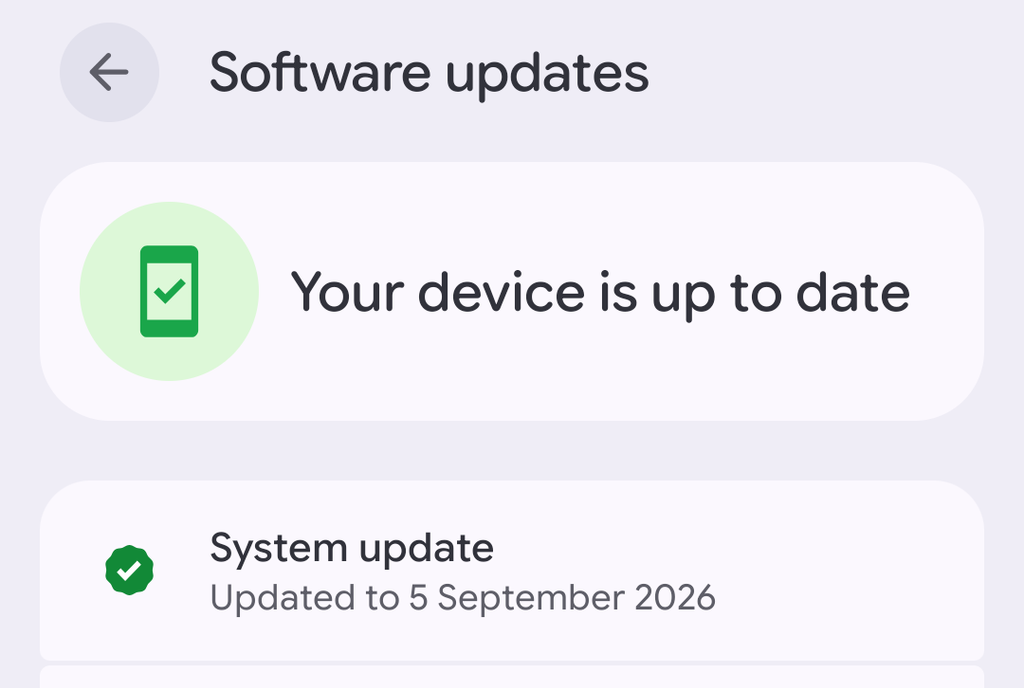
To update Android the first place to check is Settings, some devices need you to then go into System depending on the model before you see Software/System Updates.
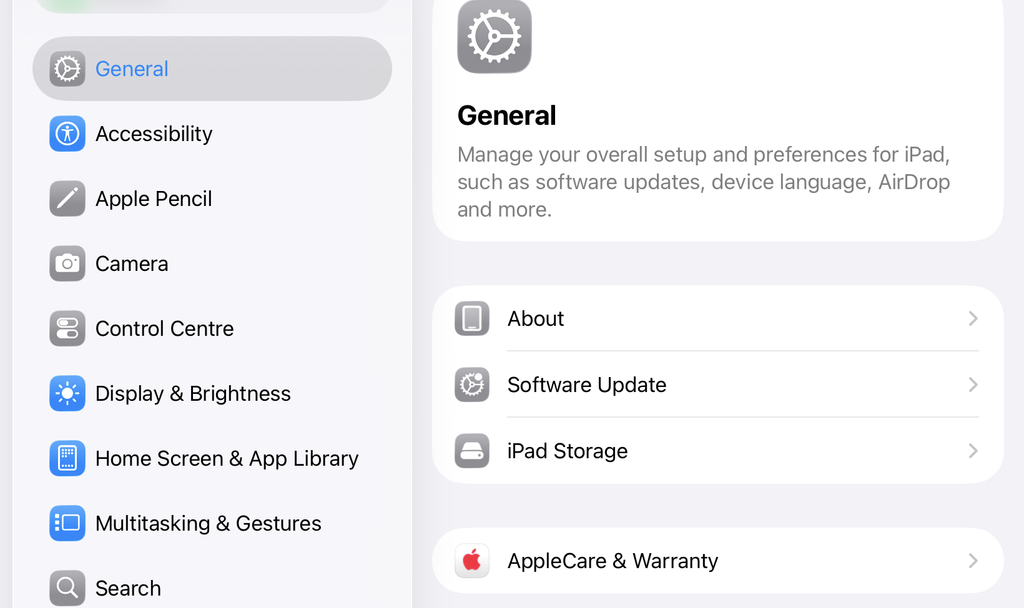
For iPhone/iPad go to Settings then General and you should see the option for Software Update.
How to update mobile apps
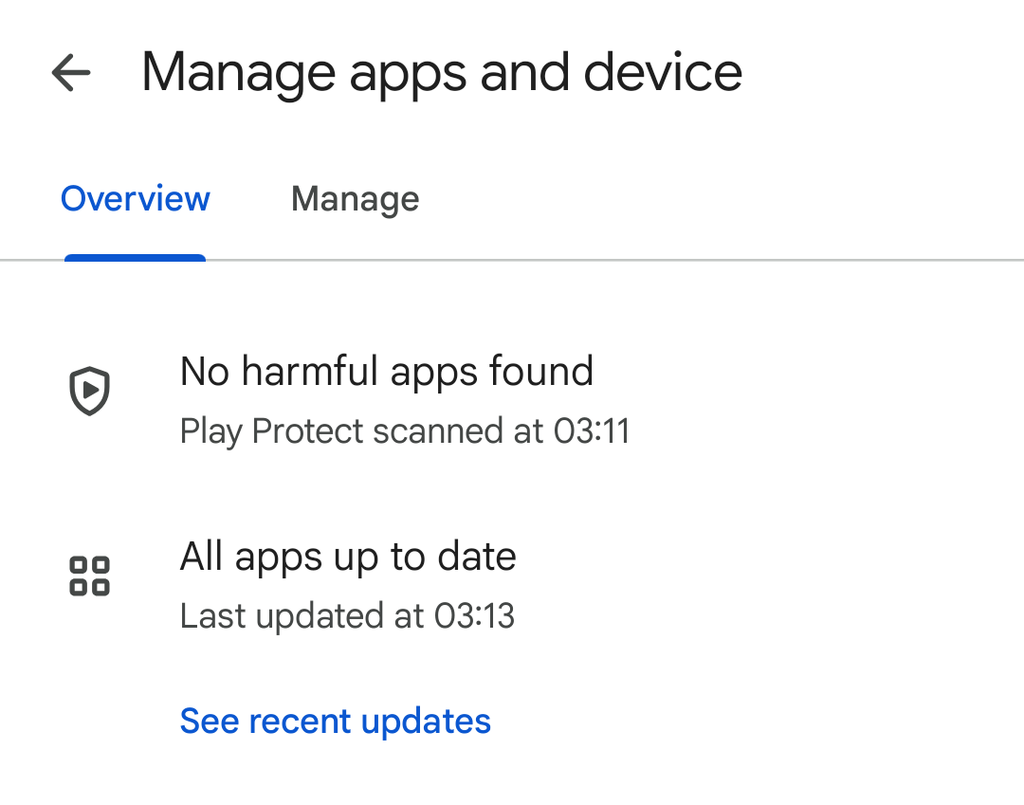
To update Android apps go to the Play Store and you should see your account initial in the top right corner, tap that and find Manage Apps and Devices in the menu, it should tell you straight away how many apps need updating.
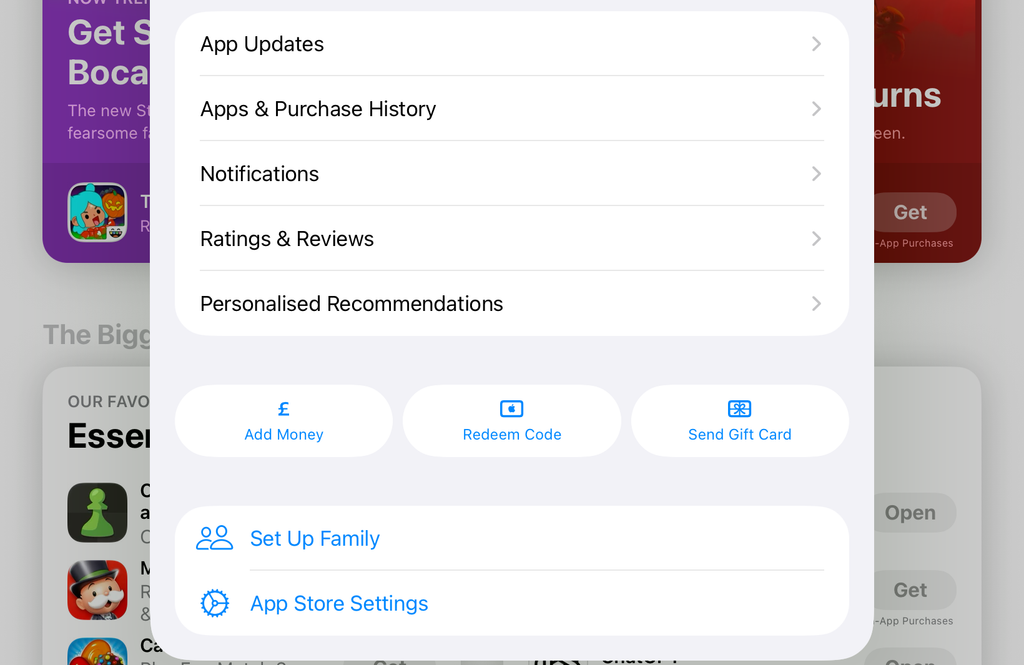
To update iOS apps go to the App Store tap your initials in the top right corner, tap App Updates and if anything needs updating it should be as simple as tapping Update All.