
Search for:
Are You Ready For A Break In The Cloud?

One of the takeaways from 2025 is the realisation that when certain online services are disrupted then businesses will be affected until those services are running as normal again (think what happened with AWS and Cloudflare briefly over the autumn).  

A news story from the past week is a real life example of something a lot of us in the tech world has previously feared which – if it was successful – can make that disruption more impactful for longer than just a few hours depending on where it happens (https://www.bbc.co.uk/news/articles/c62040np372o) . 

Online services are great when they are working however have you got a contingency plan in place if they become unavailable?  Backup Continuity Plans (or BCP for short) and Disaster Recovery (DR) planning can help with this if reviewed regularly. It won’t necessarily guarantee you’ll be back in a BAU (Business As Usual) state straight away however it’ll give you guidance on what steps are needed to keep vital services running while you are waiting for “normal service” to resume.   

These exercises aren’t just recommended for online technology, they are also good for other dependencies you might have for the business to run. For example: 

  • Car/van troubles,  
  • Utility outages such as electricity or water availability 

Running through these exercises can be done in various forms such as an online scenario or in-person table-top exercise for an hour every few months. Not only will this help with knowing what to do in case of a failure that’s out of your hands it can also help with insurance, compliance or tender requirements. 
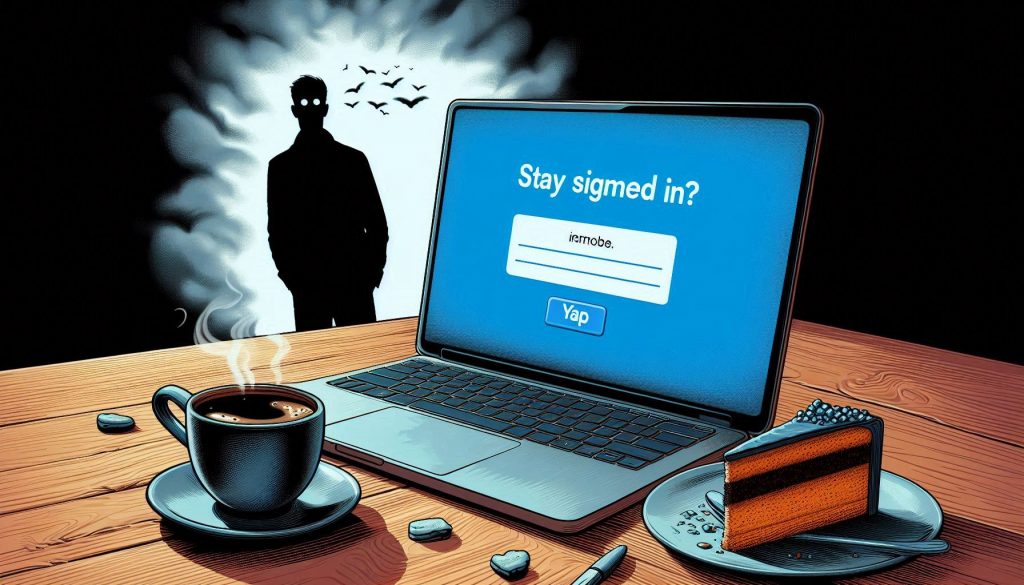
Cyber Awareness Month Advice – Unlocked Screens


Probably one of the most overlooked areas yet can cause some serious damage for you, your business and your contacts. 

Unwanted Attention With Unlocked Screens

Let’s say you’re at the office or working from home and you need to go to the other side of the room quickly, screen left unlocked on your laptop or computer for a few seconds while you’re able to keep an eye on it, no harm done.   

What would you do if you needed to leave the room and the device unattended? 

What harm could it do if you left the screen unlocked?   

You could argue it depends on who’s in the nearby vicinity however think on how long it could take for someone to edit or save something they shouldn’t have access to and how much that could potentially cost you – financially or in the way of reputation – if it got into the wrong hands (even if someone did it as a prank).   

As computers are able to do more actions at once it’s too convenient to stay signed into systems – sometimes indefinitely – making it easier for someone else to get the “keys to the kingdom” without having to verify their identity if the opportunity arose unchallenged.   

Needless to say, the more public the place you leave a laptop (or a mobile/tablet) unattended and unlocked the greater the risk to the safety of your data.   

How to solve this?  The classic Ctrl, Alt Delete and Lock option is a winner and there’s a quicker combo of Windows Key and L for Windows 11 devices.  The Mac equivalent is Control + Command + Q 

Screensavers

There is an option as well to lock the device automatically after a period of inactivity, those of you old enough to remember the classic screensavers on Windows (originally designed to help prolong the life of monitors pre-LCD) will be glad to hear the option is still there in Windows 11 and there’s an option to have to unlock the device when the screensaver which is activated after a period of inactivity.  This can be easily accessed by going into Settings and search for Lock Screen or right-click on an empty space on the desktop and select Personalization on the pop-up menu then select Lock Screen

It’s worth noting if you are ever considering the cyber essentials certification then having this enabled on your devices is a requirement for the award. 

Cyber Awareness Month 

A tradition has been established over the past 20 plus years with October being heralded as Cyber Awareness Month (or Cyber Security Awareness Month).  This is a time where IT departments and providers are reminding everyone about the fundamentals of protecting important assets such as your digital identity as well as your tech, apps and data. 

Throughout the month I’ll pass on advice and reminders that’ll likely become useful for yourself which you can then pass on to your friends, family and colleagues.